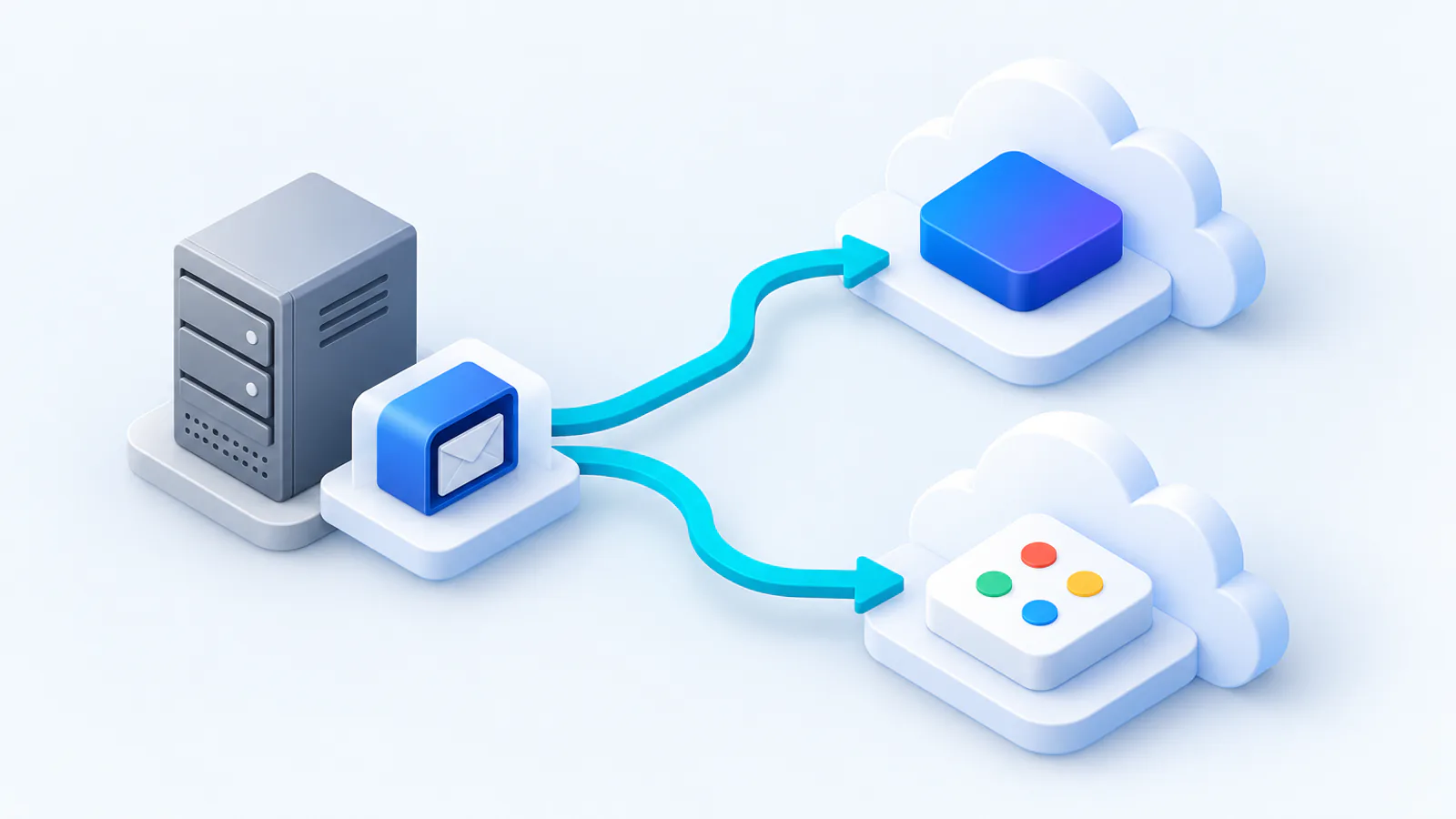
IMAP, POP and Exchange: what is the difference?
The starting point determines the migration strategy:
- IMAP keeps emails in folders on the server. That migrates well, because the structure is preserved.
- POP3 often downloads emails locally and deletes them from the server. The data is then frequently scattered across individual Outlook or Thunderbird profiles, which makes the inventory more laborious.
- Exchange (on-premises) holds not only emails but also calendars, contacts, tasks and public folders. A complete move has to take all of that into account.
The typical process
1. Review the sources
Which mailboxes exist, how large are they, is any data held only locally (POP)? Are there shared mailboxes, functional addresses or public folders?
2. Choose and set up the target environment
Microsoft 365 or Google Workspace? The choice depends on your applications, existing know-how and licence model. Users and domains are prepared in the target.
3. Transfer with the structure preserved
Folders, subfolders and attachments are taken over 1:1. With Exchange, calendars and contacts are added.
4. Switch-over and catch-up
After the pre-migration, the cut-over takes place via the MX records; emails that arrived in the meantime are transferred afterwards.
5. Validation
Object-by-object comparison against the source and a final report on completeness.
Details that are often overlooked
- Functional and collective mailboxes (info@, accounts@) need a suitable concept in the target (shared mailbox or group).
- Local POP archives on individual computers have to be collected, otherwise old emails are missing after the move.
- Public folders from Exchange have no direct counterpart in the cloud and are mapped to shared mailboxes or SharePoint.
- Send permissions (“send as” / “send on behalf of”) have to be set up again in the target.
Data protection when moving to the cloud
Especially when moving from a German hosting provider or your own server to the cloud, the question of data processing is central. During the migration we move your data exclusively via servers in Germany and the EU and provide a data processing agreement (DPA) under Art. 28 GDPR on request. How we handle each phase is described on our process page.
Frequently asked questions
Is the folder structure preserved in an IMAP migration?
Yes. Folders, subfolders and attachments are taken over 1:1 into the target environment.
Can we migrate from POP3 even though the emails are stored locally?
Yes, but it takes more preparation: local archives on the individual computers have to be collected and consolidated so that no old emails are lost.
What does an IMAP or Exchange migration cost?
For hosted IMAP mailboxes the project fee is 200 € per project; for an in-house Exchange Server it is 300 €, because the setup takes more effort. On top of that, 29 € per mailbox for emails and folders — so 25 IMAP mailboxes come to 925 € net. From 50 mailboxes the mailbox total drops by 10 %, from 100 by 15 %; from 250 mailboxes we quote individually. Calendars and contacts from an Exchange Server are priced according to effort.
Can calendars and contacts be taken over from IMAP as well?
No. IMAP is a pure email protocol and knows neither events nor contacts — from an IMAP account we therefore migrate only emails and folders. With an Exchange Server, on the other hand, calendars and contacts live in the mailbox: they can be taken along, and we calculate the effort after the initial analysis.
What do you need from us to get started?
Credentials or an app password per mailbox — with an Exchange Server, one administrative access covers all mailboxes. In addition, the server address of the source, the list of mailboxes and control over your domain’s DNS records for the MX switch.
Sources & further documentation
- Microsoft Learn: Informationen zum Migrieren Ihrer IMAP-Postfächer zu Microsoft 365 — Microsofts IMAP-Migration und ihre Grenzen (nur E-Mails, keine Kalender/Kontakte)
- Microsoft Learn: Entscheiden für einen Migrationspfad in Exchange Online — Übernahme-, gestaffelte, Hybrid- und IMAP-Migration im Vergleich
- Microsoft Learn: Migrieren von E-Mails zu Exchange Online mithilfe der Exchange-Übernahmemethode — Cutover-Migration von Exchange Server nach Exchange Online
- Google Workspace-Hilfe: E-Mails aus einem IMAP-Konto importieren — Googles Datenimporttool für IMAP-Postfächer (Ordner werden zu Labels)
- Google Workspace-Hilfe: Daten aus Exchange migrieren — Googles Werkzeuge für Exchange Server und Exchange Online