Home › Services › Exchange migration

Exchange migration: from your own Exchange Server to Microsoft 365 or Google Workspace

An on-premises Exchange Server was the standard in mid-sized companies for a long time. Today it ties up hardware, maintenance windows, backups and security updates, while Exchange Online and Google Workspace provide the same mailboxes without a server. The hurdle is the move: years of email, grown folder structures, calendars, public folders. Migravault migrates your Exchange mailboxes with its own software directly into the cloud, with nothing installed on the server and no manual PST export. The pre-migration runs while your Exchange stays productive; on the cut-over date the MX switch and delta sync follow, then validation per mailbox with a final report. Servers in Germany, fixed price after the initial analysis.

  • Fixed price after a free initial analysis
  • Servers in Germany & the EU
  • Final report per object
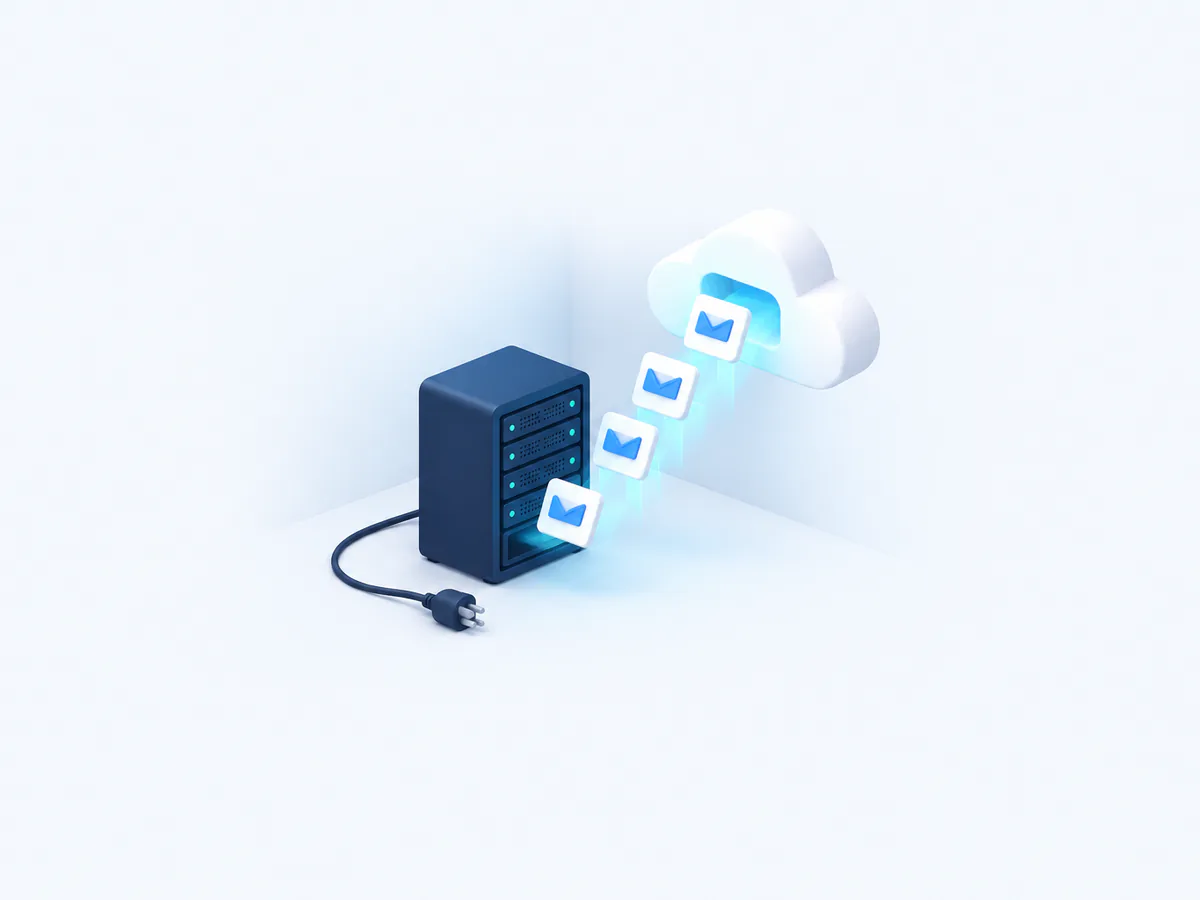
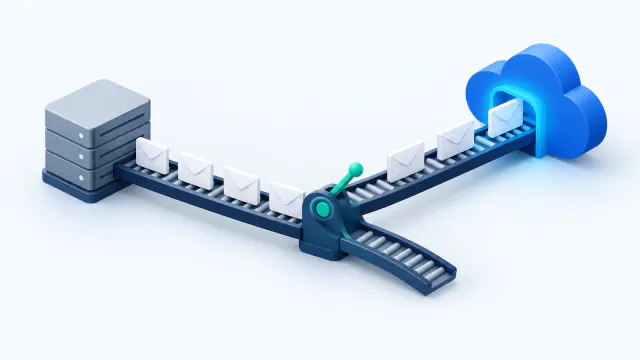
Illustration: mailbox tiles rise from a server with an unplugged cable towards a cloud

Supported sources

  • Microsoft ExchangeMicrosoft Exchange

Targets

  • Microsoft 365Microsoft 365
  • Google WorkspaceGoogle Workspace
What gets migrated

What gets migrated

Emails & folders

All mailboxes with the full folder structure and attachments, system folders mapped correctly; at the fixed price.

Calendars

Events and series from Exchange on request, after checking the data in the discovery analysis.

Contacts

Personal contacts and contact groups from Exchange on request.

Distribution lists

Distribution groups with members and owners as groups in the target.

Public folders

Contents of public folders on request, priced by effort.

Why the in-house Exchange Server is being replaced

The reasons are similar everywhere: the hardware or host system has reached the end of its life, the Exchange version in use is running out of support, the number of vulnerabilities requiring emergency patches is no longer acceptable, or the only administrator who knows the server is retiring. Add to that the wish for mobile device access, Teams, or simply an operation without weekend maintenance windows.

Whether the target is Microsoft 365 or Google Workspace is secondary for the move; our software handles both routes. The comparison Google Workspace vs. Microsoft 365 (German) helps with the decision; the target pages describe what arrives where: Microsoft 365 migration and Google Workspace migration.

What we take from Exchange and what is only on request

At the fixed price we transfer emails with the complete folder structure and attachments; Inbox, Sent Items, Drafts and Deleted Items land in the real system folders in the target. Distribution groups come along with members and owners. We have to be honest about what is not in the fixed price on this route:

  • Calendars and contacts from Exchange are migrated on request. Not because it is technically impossible, but because the age and data quality of the Exchange environment determine the effort; we check how clean the data is in the discovery analysis and then name a price.
  • Public folders have no direct counterpart in Exchange Online or Google Workspace. On request we transfer their contents into shared mailboxes, groups or drives; the mapping is agreed beforehand.
  • Not automatically: mailbox permissions and delegations, "send as", inbox rules, the server's transport rules, admin roles and the DNS switch. In a Microsoft 365 target, mail also arrives as unread.

Archive mailboxes and already exported PST files are imported directly into the target mailbox or an archive mailbox; what to consider is in the guide importing PST, mbox and EML archives (German).

Access to the Exchange Server: no installation, no agent

Our software accesses your server via Exchange Web Services (EWS) with a service account that is given read access to the mailboxes being migrated. Nothing is installed on the server, no agent runs, and nothing in the data is changed. Access comes from our servers in Germany, either via the EWS endpoint that is already published or via a firewall rule for our addresses. This coordination with your IT partner is why the project fee for on-premises sources is €300 instead of €200.

In the discovery analysis we record mailboxes, sizes, folders, distribution groups and public folders so that quote and schedule rest on real numbers. Exchange Server 2016 and later are supported (2016, 2019, Subscription Edition). For the firewall rule on the EWS endpoint we give you a fixed source IP address of our migration servers.

Cut-over: MX, Autodiscover and Outlook profiles

The pre-migration copies the existing data while Exchange works normally; with large mailboxes this is the decisive time saving. On the cut-over date delivery is switched: MX records to the target, SPF, DKIM and DMARC adjusted, and if a mail gateway or spam filter sits in front, its forwarding changed. The delta sync then picks up every email that still arrived on the Exchange since the pre-migration. You switch the server off only once the final report is in your hands.

Two points are specific to Exchange: the Autodiscover record of your domain has to point to the target after the switch so Outlook finds the new mailboxes, and users need a new Outlook profile, because an Exchange profile cannot be redirected to a different server. Both happen after the cut-over, not before; we provide a short guide. The order in detail is in the guide email move without downtime (German), the whole project on the process page.

Data protection: from your own data centre into the cloud

Anyone who has run an Exchange Server in-house until now often decided against the cloud deliberately. All the more important that the path there stays traceable: the data leaves your server only towards our own infrastructure in Germany and the EU, and from there into your target tenant. No third-party service, no intermediate storage outside the European legal area. The service account and the firewall rule are removed after the project, credentials deleted. On request we sign a data processing agreement under Art. 28 GDPR. Whether your industry places additional requirements on cloud operation, for instance for professions bound by secrecy, is something to clarify with your adviser; we advise technically, not legally. Notes for medical practices and law firms are under medical practice and law firm (both German).

What you receive and what it costs

Discovery report with the real inventory, fixed-price quote, test migration on two or three mailboxes, pre-migration, cut-over support, delta sync and a final report with validation per mailbox and folder. One dedicated contact from the first enquiry until the old server is switched off. Pricing: €300 project fee for the on-premises source plus €29 per mailbox for emails; 40 mailboxes therefore cost €1,460 net, and from 50 mailboxes a 10 % discount applies to the per-mailbox total. Calendars, contacts and public folders are added by effort; licences for the target platform you pay directly to Microsoft or Google. In the price calculator Exchange Server is already preselected as the source. A worked example with concrete steps: Exchange Server to Microsoft 365 (German).
Process

How your migration works

  1. Enquiry & initial call — Clarify source, target, scope and preferred date.
  2. Discovery & fixed-price quote — Automatic inventory, test migration, binding price.
  3. Pre-migration — Most of the data moves in the background while your team keeps working.
  4. Cut-over & delta sync — Short switch on the agreed date; the latest changes are picked up.
  5. Validation & final report — Completeness checked and documented per object.

Every phase in detail →

Fixed-price example

40 mailboxes at a fixed price

Example calculation with emails & folders, on-premises source.

1,460 € net plus VAT

300 € project fee + 40 × 29 €

List prices are public; the price becomes binding after the free initial analysis. Project fee 200 € (cloud source) or 300 € (on-premises source).

Calculate your fixed price →
FAQ

Frequently asked questions

Does anything have to be installed on our Exchange Server?

No. Our software accesses the mailboxes read-only from outside via Exchange Web Services with a service account. No agent runs, nothing is changed or deleted. All that is needed is that the EWS endpoint is reachable for our servers, either through the existing publication or a firewall rule.

Why are calendars and contacts from Exchange only on request?

Because the effort depends heavily on the version and data quality of the server. Emails behave the same across all Exchange versions and can be priced at a fixed rate; for calendars and contacts we check the data in the discovery analysis and then name a fixed price. Technically it is usually feasible.

What happens to our public folders?

Public folders have no direct counterpart in the cloud. On request we transfer their contents into shared mailboxes, Microsoft 365 groups or the corresponding Google structures. The mapping is agreed with you before the quote; the price depends on scope and structure.

What does migrating 40 Exchange mailboxes cost?

For 40 mailboxes with emails and folder structure the price list gives €1,460 net: 40 × €29 plus the €300 project fee for the on-premises source. From 50 mailboxes the per-mailbox total drops by 10 %, from 100 by 15 %. Calendars, contacts and public folders are quoted separately after the discovery analysis.

When can we switch off the old Exchange Server?

After the cut-over, the delta sync and the validation. Only when the final report proves completeness per mailbox and your users have worked in the target for a few days do we recommend switching it off. Until then the server remains unchanged as a fallback; we delete nothing there.

Do users need new Outlook profiles?

Yes. An Outlook profile connected to the old Exchange cannot be redirected to Exchange Online or Google. After the switch a new profile is created per user; Autodiscover finds the new mailbox automatically once the DNS record is updated. We provide a short guide for your users or your IT partner.

Enquiry

Request a migration

Five quick steps to your price indication: the assistant automatically checks what can really be migrated on your route and carries your selection straight into the enquiry.

Your migration assistant

Where are you migrating from?

Choose your current platform — the assistant then automatically checks which targets and data types are possible for your route.

Where should it go?

These targets are possible for your source:

What should be migrated?

How many mailboxes or users?

Count every mailbox or user whose data should move.

volume discount from 50: −10 % · volume discount from 100: −15 % · from 250: individual quote

Your price indication

All prices net, plus statutory VAT. Licences for the target platform (Microsoft 365 / Google Workspace) are not included.

Request a no-obligation quote →

Your configuration is included in the enquiry automatically — nothing to retype.

Contact

How can we reach you?

Configure your route in the assistant above — your selection is sent along automatically. We usually get back to you within one business day with the next steps and a fixed-price quote.

  • Free initial analysis
  • No-obligation fixed-price quote
  • A dedicated contact

We usually reply within one business day. Prefer direct? info@migravault.com