Home › Services › Cloud storage migration

Cloud storage migration: files from Google Drive, Dropbox, Nextcloud and others to OneDrive, SharePoint or Google Drive

Files are the underestimated part of every platform change. Mailboxes are clearly delimited; a cloud storage, by contrast, has grown over years: nested folders, shares with colleagues and external parties, file names the target rejects, volumes a browser upload cannot handle. Migravault migrates files from Google Drive, OneDrive, Dropbox, Nextcloud, ownCloud, MagentaCloud and S3 or WebDAV storage to OneDrive, SharePoint or Google Drive, with the complete folder structure and shares as far as the target can represent them. The transfer happens in advance during normal operation, a delta sync follows on the cut-over date, then every file is validated against the source. Our own software, servers in Germany, fixed price.

  • Fixed price after a free initial analysis
  • Servers in Germany & the EU
  • Final report per object
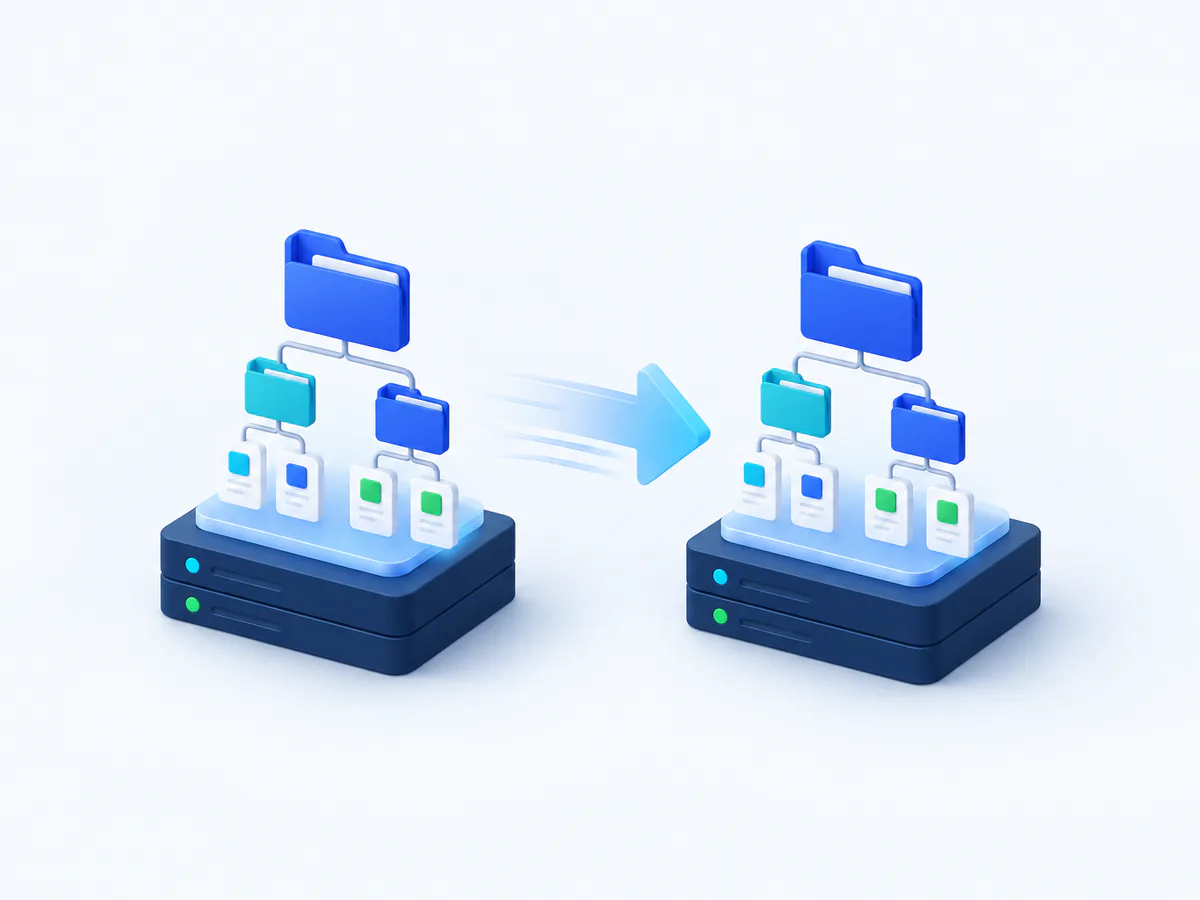
Illustration: two identical folder trees on storage platforms are connected by an arrow

Supported sources

  • Google DriveGoogle Drive
  • OneDrive / SharePointOneDrive / SharePoint
  • DropboxDropbox
  • NextcloudNextcloud
  • ownCloudownCloud
  • MagentaCloudMagentaCloud
  • Amazon S3Amazon S3

Targets

  • Google DriveGoogle Drive
  • OneDrive / SharePointOneDrive / SharePoint
What gets migrated

What gets migrated

Files & folders

All files with the full folder structure; up to 50 GB per user included in the fixed price.

Sharing permissions

File and folder shares including sharing links, as far as the target system supports them.

Shared folders

Team folders, shared drives and group ownership on request, priced by effort.

User mapping

Every source drive is mapped to a target user or library; the mapping is agreed beforehand.

When a file migration comes up

Typical triggers: the company is introducing Microsoft 365 and wants to retire Dropbox or a self-hosted Nextcloud; a Google Workspace organisation is moving to Microsoft and Drive has to go to OneDrive and SharePoint; a MagentaCloud or ownCloud storage is being cancelled; or an S3 bucket with project data is to become accessible to the team in Google Drive. Often the file migration is part of a larger move, in which case we combine it with the Microsoft 365 migration or the tenant migration; it can equally be commissioned as a project of its own.

The common denominator: a manual download and upload is neither complete nor verifiable for more than a handful of users. Shares get lost, timestamps are overwritten, and afterwards nobody knows whether every file really arrived.

Sources, targets and exactly what is transferred

As sources we support Google Drive, OneDrive, Dropbox, Nextcloud, ownCloud, MagentaCloud, Amazon S3 and WebDAV storage; as targets OneDrive or SharePoint document libraries, or Google Drive. We transfer files with the complete folder structure and file and folder shares including sharing links, as far as the target system knows the concept. Personal drives up to 50 GB per user are included in the fixed price of €19; shared folders, shared drives and team libraries are quoted after the discovery analysis.

Two limits we name in advance: SharePoint permissions at site and library level are not migrated automatically; they are set again in the target, and the final report lists the libraries concerned. In addition, every target system rejects certain file names, special characters or path lengths; such objects are not skipped silently but renamed automatically by a fixed rule and listed in the final report with their old and new names. Google-native files (Docs, Sheets, Slides) are stored automatically as Office files (.docx, .xlsx, .pptx) when migrating to OneDrive or SharePoint; the files' version history is carried over as well.

The most common routes have their own guides: Google Drive to SharePoint/OneDrive, Dropbox to OneDrive and Nextcloud to Microsoft 365 (all German).

Preparation: mapping, clean-up, target libraries

In the discovery analysis our software records every source drive with file count, volume, folder depth and shares. From that comes the mapping: which drive goes to which target user, which shared folder into which SharePoint library or shared drive. A short clean-up on your side before the start pays off: orphaned shares of former employees, recycle bins, duplicates. What is not meant to move does not have to be migrated.

In the target we need licensed users with OneDrive or Google Drive enabled, or SharePoint sites and libraries already created; we take care of the creation on request. For S3 and WebDAV an access key or credentials with read permission are sufficient. Nothing is installed on devices; local sync clients are pointed at the new target only after the switch.

Switching over without duplicate work

The pre-migration copies the existing data while everyone keeps working in the old storage; the source is only read. On the cut-over date you set the source to read-only or tell the team that work now happens in the target; the delta sync transfers every file that was added or changed since the pre-migration. Unlike email, there is no MX record that enforces the switch technically; a clearly communicated date is all the more important. File timestamps are preserved as far as the target system allows. The phases in detail are on the process page.

Data protection for files: contents, shares, access keys

Files often contain the most sensitive content of a company: contracts, HR records, patient data, engineering drawings. Our software transfers them directly from the source via our servers in Germany and the EU into the target, without intermediate storage at a third party. Access keys for S3, app passwords for Nextcloud or OAuth grants for Google and Microsoft are kept encrypted in our key vault and revoked after completion. External sharing links are restored only if the target supports them and you want them; the move therefore creates no unintended external access. On request we sign a data processing agreement under Art. 28 GDPR; which data you may move to which cloud is a question for your data protection officer, not legal advice from us. General notes in the guide GDPR-compliant cloud migration (German).

Proof and price

After the migration our software checks every file against the source: count, size, path. Deviations are re-migrated or documented with the reason. You receive the final report, and beforehand the discovery report, the fixed-price quote and a test migration on two or three real drives. Pricing: €200 project fee plus €19 per user for personal files up to 50 GB; 30 users therefore cost €770 net. Larger volumes, shared folders and SharePoint libraries are quoted after the discovery analysis. In the price calculator cloud storage is preselected as the source; whether a service provider is worth it compared with doing it yourself is weighed up in the guide Migrate yourself or hire a provider? (German).

Process

How your migration works

  1. Enquiry & initial call — Clarify source, target, scope and preferred date.
  2. Discovery & fixed-price quote — Automatic inventory, test migration, binding price.
  3. Pre-migration — Most of the data moves in the background while your team keeps working.
  4. Cut-over & delta sync — Short switch on the agreed date; the latest changes are picked up.
  5. Validation & final report — Completeness checked and documented per object.

Every phase in detail →

Fixed-price example

30 mailboxes at a fixed price

Example calculation with personal files, cloud source.

770 € net plus VAT

200 € project fee + 30 × 19 €

List prices are public; the price becomes binding after the free initial analysis. Project fee 200 € (cloud source) or 300 € (on-premises source).

Calculate your fixed price →
FAQ

Frequently asked questions

Are shares and sharing links preserved?

File and folder shares including sharing links are transferred as far as the target system knows the concept; a Nextcloud share thus becomes a OneDrive share. SharePoint permissions at site and library level are not migrated automatically and must be set again in the target. The final report lists what was transferred and what was not.

What does migrating the files of 30 users cost?

For 30 personal drives of up to 50 GB each the price list gives €770 net: 30 × €19 plus the €200 project fee. From 50 users the per-user total drops by 10 %, from 100 by 15 %. Shared folders, shared drives and larger volumes are quoted after the discovery analysis; licences for the target platform are not included.

What happens to file names that OneDrive or Google does not accept?

Every target system has restrictions on special characters, path lengths or reserved names. Such files are not skipped silently but listed in the report with the reason. You then decide whether we re-migrate them renamed or whether they stay in the source.

Can we keep working in Dropbox or Nextcloud during the migration?

Yes. The pre-migration only reads from the source. Only on the agreed cut-over date does the team switch to the target, and the delta sync transfers everything that is new or changed since then. Because there is no MX record enforcing the switch for files, a clearly communicated date matters.

How is completeness proven?

After the migration our software compares every file between source and target: count, size and path, not a sample. Missing objects are re-migrated or documented with the reason, for instance names rejected by the target. You receive a final report per drive and library.

Do you also migrate only a part, for instance only shared folders?

Yes. The mapping defines which drives, folders or buckets go to which targets; whatever is not meant to move stays out. Shared folders and team libraries are quoted by effort because scope and sharing structure vary greatly. We define the scope in the free initial analysis.

Enquiry

Request a migration

Five quick steps to your price indication: the assistant automatically checks what can really be migrated on your route and carries your selection straight into the enquiry.

Your migration assistant

Where are you migrating from?

Choose your current platform — the assistant then automatically checks which targets and data types are possible for your route.

Where should it go?

These targets are possible for your source:

What should be migrated?

How many mailboxes or users?

Count every mailbox or user whose data should move.

volume discount from 50: −10 % · volume discount from 100: −15 % · from 250: individual quote

Your price indication

All prices net, plus statutory VAT. Licences for the target platform (Microsoft 365 / Google Workspace) are not included.

Request a no-obligation quote →

Your configuration is included in the enquiry automatically — nothing to retype.

Contact

How can we reach you?

Configure your route in the assistant above — your selection is sent along automatically. We usually get back to you within one business day with the next steps and a fixed-price quote.

  • Free initial analysis
  • No-obligation fixed-price quote
  • A dedicated contact

We usually reply within one business day. Prefer direct? info@migravault.com